Manage link-in-bio pages for all your clients
Run a separate link-in-bio page for every client brand from one account. Each page gets its own address and is paid once in credits, never per month.

Short answer
Give every client brand its own link-in-bio page inside one ZELF account. The first page is free and each extra page costs 10 credits once, which is R7.14 to R10 depending on your credit pack, and nothing renews. On Linktree, every page you upgrade is billed as its own plan.
Most solo agencies end up with a pile of link-in-bio logins: one per client, each on its own monthly plan, each billed in dollars. The pages themselves are simple. Keeping track of them is not.
In ZELF every client brand is its own Zelf on its own address, all inside your account. Your first Zelf is free and each one after that costs 10 credits once, when you create it. Nothing renews.
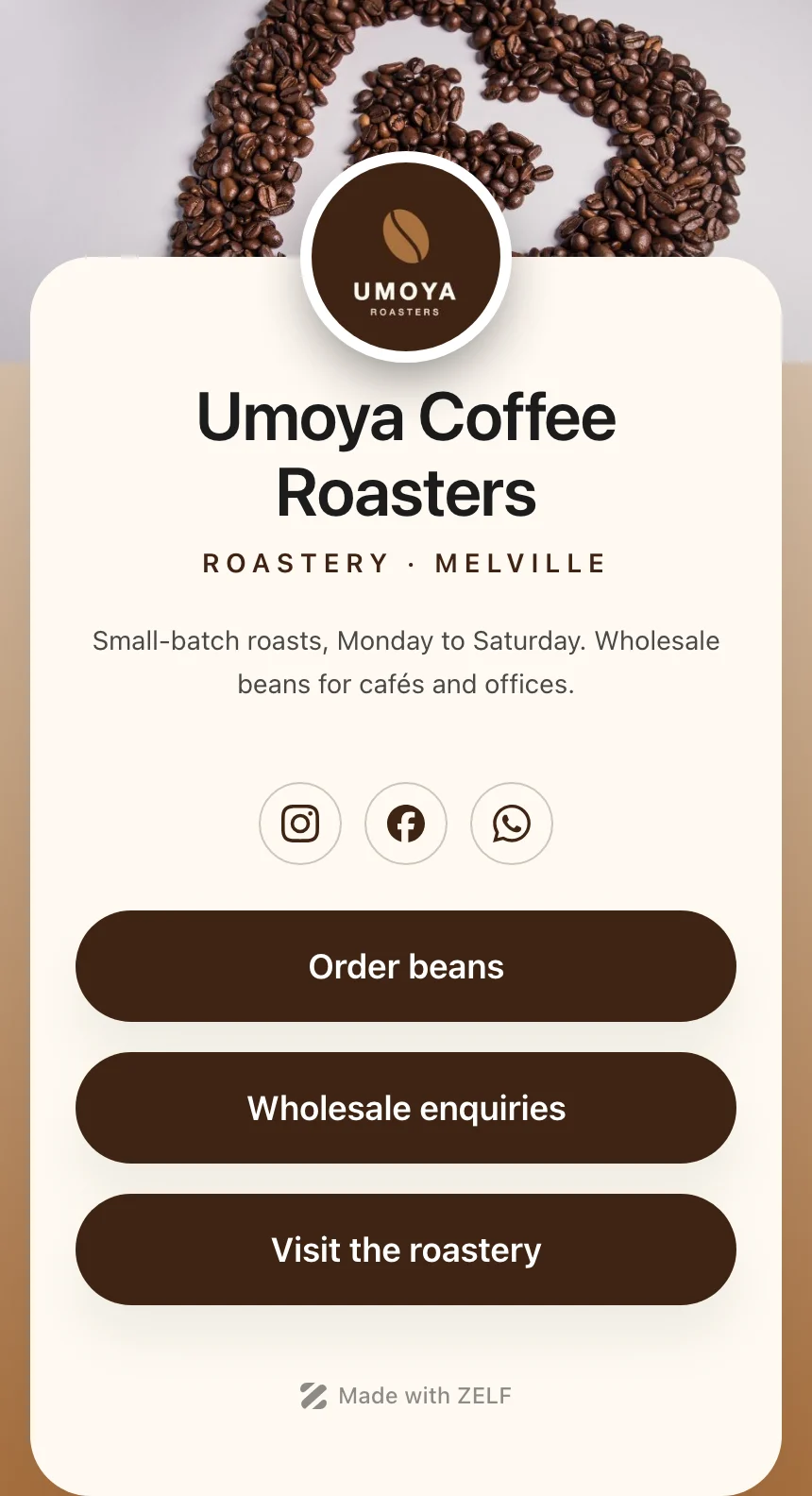
How to set up a link page for each client
- 1 Create a Zelf for the client from the Zelfs page and pick a slug their customers will remember, like the business name.
- 2 Add their links, socials, headline and a short bio. Set their colours, buttons and background in the Theme tab so the page looks like their brand, not yours.
- 3 Publish the page and paste the link into their Instagram bio, Google Business Profile, email signatures and WhatsApp Business profile.
- 4 When a menu, special or booking link changes, update the Zelf. Every bio and printed QR code that points to it keeps working.
Clients who get the most from their own page
Restaurant client
Menu, bookings, WhatsApp orders and directions behind one link for their Instagram bio and table talkers.
Practice or clinic
Booking form, medical aid information and the after-hours number on a page patients can find quickly.
Launch or sale
A short-lived Zelf for one campaign with only the links that campaign needs. Set it to Hidden when the campaign ends.
Frequently asked questions
How much does a page per client cost?
Your first Zelf is free. Each one after that costs 10 credits once, when you create it. There is no monthly fee per page.
Can the client update their own page?
Yes. Invite them to your team with access to only their Zelf, and they can edit it without seeing your other clients.
Can each page carry the client's own look?
Yes. Every Zelf has its own colours, buttons, background and photos, so each client page matches that client's brand.
Sources
Zelf Page
A link page for every client, on its own address.
The client-work letter
One email a month: practical guides, product updates and what other South African solo agencies are charging. No spam, unsubscribe in one click.